
Unify Technology · UnifyOS
One intelligent layer across
your entire operation.
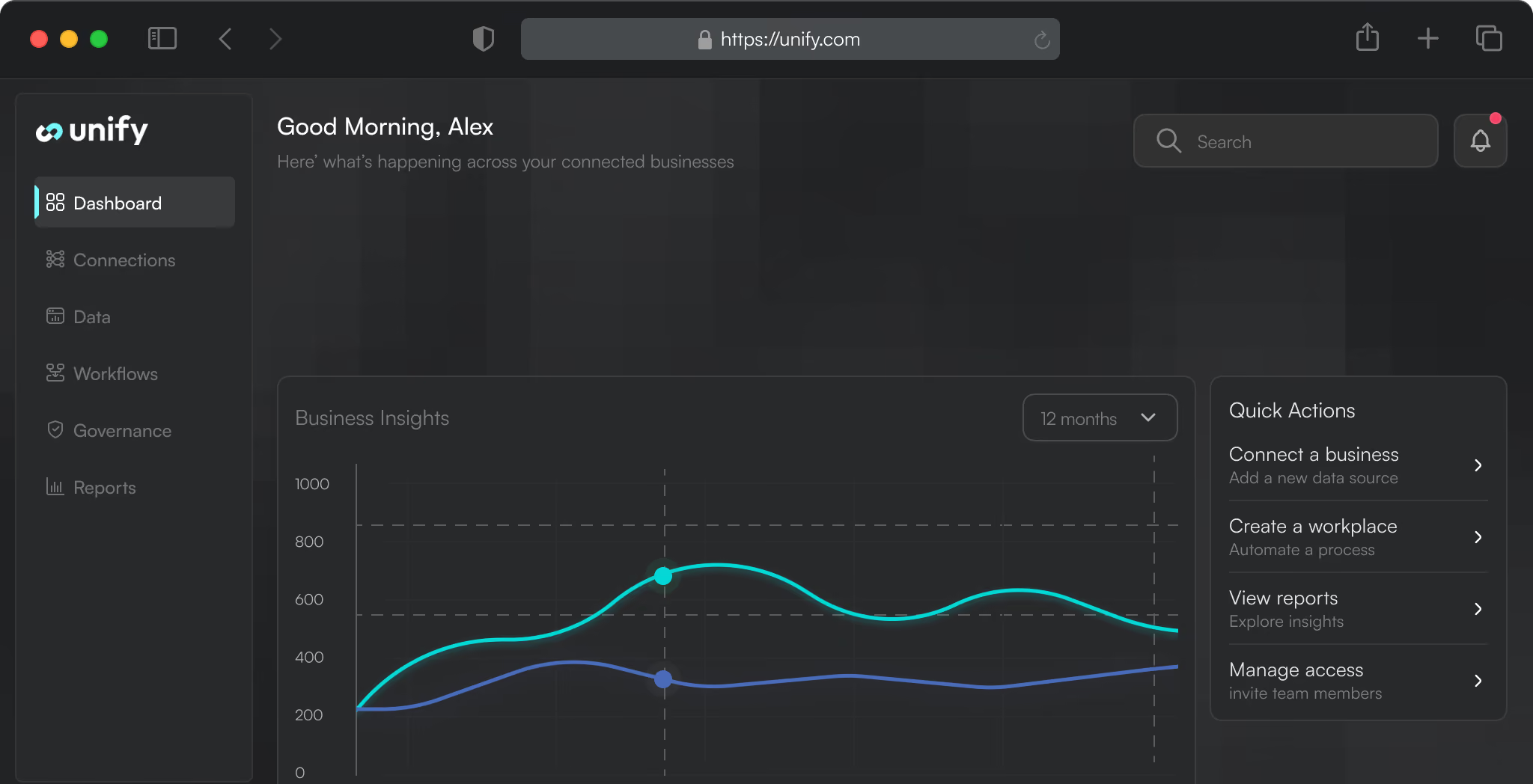
UnifyOS sits above the systems you already use, connecting people, workflows, data and AI through one governed experience across HR, finance, procurement, IT and legal.
Keep the tools that work. Unify the experience around them.
Connect what exists. Govern it as one.

Why Now
Every organization has more software. Very few have one operating experience.
HR, finance, procurement, IT and legal often run across separate systems, inboxes and workflows. Each tool may work well on its own, but the experience between them becomes fragmented — creating more handoffs, more friction and less visibility for the people trying to get work done.
Multiple systems
Different tools across every function
Fragmented workflows
Requests and approvals move between platforms
Disconnected data
Information is spread across systems and teams
Limited visibility
Leadership sees pieces of the operation, not the whole
How UnifyOS Works
Keep the systems. Add the intelligence layer.
UnifyOS connects to the software already running your organisation and adds a governed layer for workflows, AI, approvals, data and user experience.
Instead of asking teams to move between disconnected systems, UnifyOS brings the work together through one operating layer.

Your Existing Stack
01
The systems you already rely on.
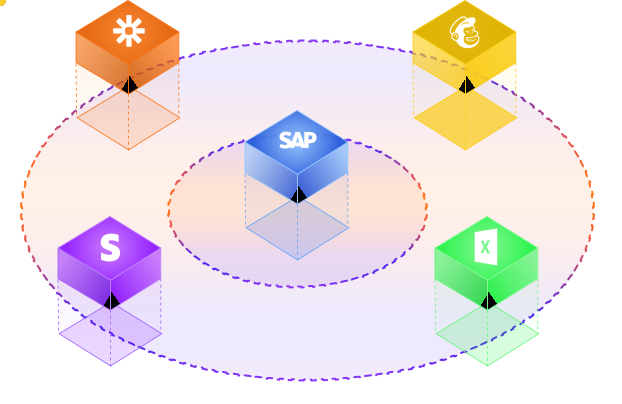
HRIS, ERP, CRM, productivity tools and specialist applications remain in place.

UnifyOS
02
The intelligence and orchestration layer.
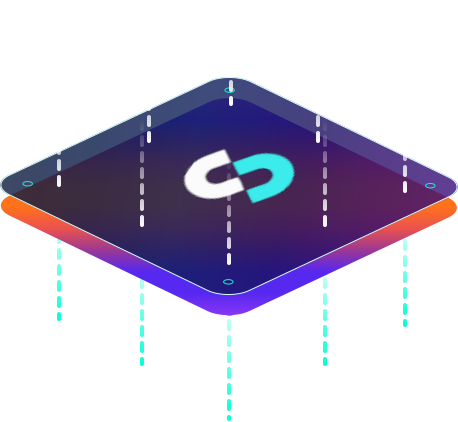
UnifyOS connects underlying systems and coordinates how information, requests and decisions move across the organization.

Across the Operation
03
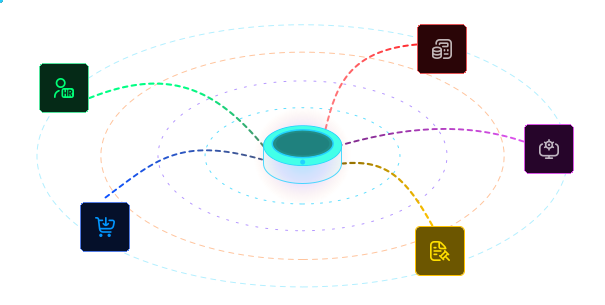
One layer across core business functions.
HRIS, ERP, CRM, productivity tools and specialist applications remain in place.

One Operating Experience
04
The systems you already rely on.
HRIS, ERP, CRM, productivity tools and specialist applications remain in place.

Our Services
Six ways to turn complexity, into direction.
Our advisory work spans the decisions that most directly shape how an organisation grows, operates and performs — from setting strategy and redesigning structures to delivering major programmes, adopting AI and strengthening leadership.
Consulting
01/
One place to get work done.
Give employees and managers a consistent interface across services, requests, approvals and information — without making them navigate a different system for every function.
AI Bots & Copilots
02/
AI embedded into the flow of work.
Bring intelligent assistance into everyday operations — helping users find information, initiate requests, complete tasks and move work forward through a conversational experience.
Integrations
03/
Connect what you already use.
UnifyOS integrates with existing enterprise and specialist platforms so data and workflows can move between systems without forcing a wholesale technology replacement.
Data & Analytics
04/
Turn fragmented activity into operational visibility.
Bring information from across connected workflows into a clearer view of activity, service levels, requests and performance — giving teams and leadership better visibility into how the operation is running.
Security & Resilience
05/
Governed by design.
Identity, access, approvals and system controls are built into the platform architecture so connected experiences can operate within enterprise security and governance requirements.
Custom Builds
06/
Extend the platform around the organisation.
Where an off-the-shelf workflow or interface is not enough, UnifyOS can be extended with tailored experiences and functionality around specific operational requirements.
See UnifyOS in action
Service Levels
Choose the level of support your
operation actually needs.
Every organisation needs a different level of operational support. Our three service levels let you choose how much responsibility Unify takes on — from focused day-to-day support through to a more comprehensive managed model.
Make everyday employee services easier to access and manage.
Employees can handle common HR interactions through one interface, while managers and service teams retain clear visibility over requests and approvals.
Typical workflows
Leave requests
Employee service requests
Manager approvals
HR documents and certificates
Request status and follow-up
Simplify the requests and approvals that sit around finance operations.
Give employees and managers a clearer way to submit finance-related requests, complete approvals and track progress without relying on fragmented email chains.
Typical workflows
Expense claims
Report requests
Finance service requests
Approval workflows
Request tracking
Bring structure to purchasing and supplier-related requests.
UnifyOS gives teams a consistent way to initiate procurement activity, route approvals and coordinate requests across the people involved.
Typical workflows
Purchase requests
Approval routing
Vendor onboarding
Invoice clearance requests
Procurement support
Give employees one front door for IT support.
Users can raise incidents and service requests through a single experience while IT teams manage requests with clearer context, ownership and audit history.
Typical workflows
Login and access support
Device issues
IT incidents
Service requests
Request communication and status
Make legal support easier to request, track and govern.
Teams can initiate common legal requests through structured workflows, keeping communication, context and approvals attached to the work.
Typical workflows
Contract review requests
NDA requests
Legal support
Clarifications and follow-ups
Approval workflows
Built Around the User
Less system-hopping. Less chasing.
More work moving forward.
Our advisory work spans the decisions that most directly shape how an organisation grows, operates and performs — from setting strategy and redesigning structures to delivering major programmes, adopting AI and strengthening leadership.
Employee Experience
One place to ask, request and track.
Employees can access common services through a consistent interface, submit what they need and see what is happening without chasing different teams or moving between multiple platforms.
Typical Actions
Request leave
Raise an IT issue
Submit an expense claim
Request HR or finance support
Track request status
Manager Experience
One place to review, decide and move work forward.
Managers get a clearer view of the actions that need their attention — making it easier to review requests, provide clarification and keep work progressing.
Typical Actions
Review pending approvals
Approve or reject requests
Ask for clarification
View team availability
Track outstanding actions
AI in the Flow of Work
AI where the work
actually happens.
UnifyOS brings AI into everyday operational workflows — helping users understand what they need, find the right information and move requests forward without adding another tool to learn.

Understand the Request
01/
Start with intent, not navigation.
Users can begin with what they need rather than searching through systems, forms or service menus. AI helps interpret the request and guide them toward the right action.
Guide the Next Action
02/
Turn questions into progress.
AI can help users complete the next step, provide relevant guidance and move the interaction into the right workflow or service path.
Surface the Right Context
03/
Bring relevant information into the moment.
Instead of making users search across systems, AI can help surface the information and context needed to understand or progress a request.
Built for Real Operations
Intelligence without.
losing control
UnifyOS is designed to operate across sensitive business workflows, where access, approvals and accountability matter as much as speed. Governance is built into how work moves through the platform — not added afterwards.
Book A Consultation
Identity & Access
01/
The right access for the right people.
Role-based access and identity controls help ensure users only see and act on the information and workflows relevant to them.
Governed Workflows
02/
Automation inside defined rules.
Requests, approvals and actions move through structured workflows with clear ownership and decision points rather than uncontrolled automation.
Auditability
04/
Keep the context attached to the work.
Requests, decisions, clarifications and approvals remain connected to the workflow, creating a clearer operational record than fragmented conversations across email and messaging.
Resilient Architecture
05/
Built to connect without disrupting the core stack.
UnifyOS sits above existing enterprise systems, allowing organisations to introduce a unified experience while preserving the specialist platforms already supporting critical operations.
Operational Visibility
A clearer view of how
the operation is actually running.
As requests, approvals and service interactions move through UnifyOS, activity can be brought into a more connected operational view — helping teams see what is moving, what is waiting and where attention is needed.

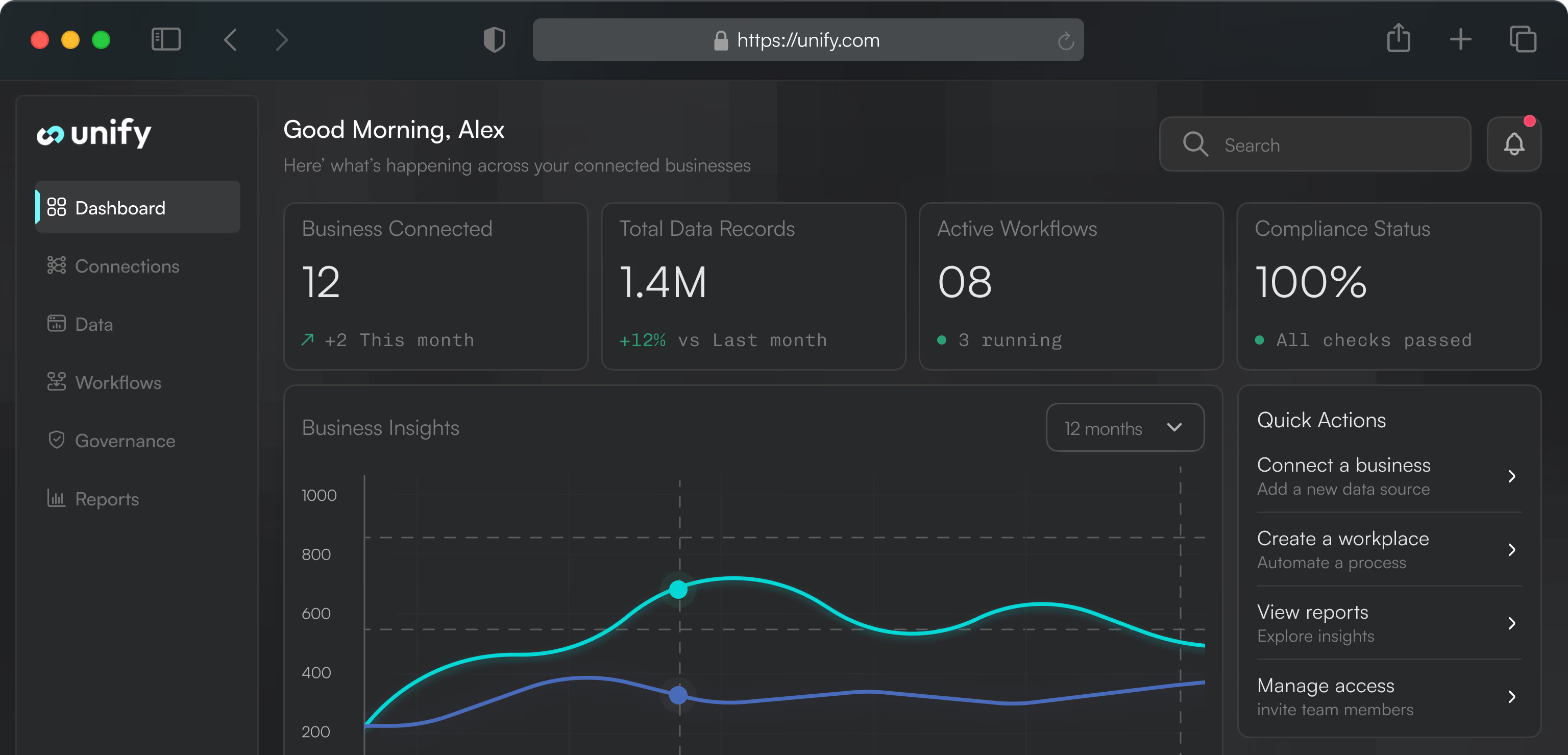

Requests & Workload
See where demand is building.
Understand the volume and distribution of requests across functions, teams and service areas so operational pressure becomes easier to identify.
Approvals & Bottlenecks
See where work is slowing down.
Surface pending decisions and approval delays so managers can intervene before routine workflows become operational friction.
Service Performance
See how work is being handled.
Track activity, response patterns and service-level performance across connected workflows to create a clearer picture of operational delivery.
Cross-Functional Activity
See more than one function at a time.
Bring activity from HR, finance, procurement, IT and legal into a more unified operational view rather than relying on separate reporting from each system.
Why UnifyOS
Built to connect the operation,
not add another system to it.
UnifyOS is designed around a simple idea: organisations should be able to keep the specialist systems that already work while creating a more connected, intelligent and governed experience above them.
Auditability
Connect rather than replace.
UnifyOS sits above existing enterprise and specialist systems, helping organisations improve the experience and flow of work without forcing a wholesale technology replacement.
One governed layer across functions
Different systems underneath. One operating experience above.
HR, finance, procurement, IT and legal can remain specialised while requests, approvals and interactions are brought into a consistent experience.
AI inside real workflows
AI that helps work move forward.
Instead of isolating AI in a separate assistant, UnifyOS brings intelligence into operational interactions — helping users understand, initiate and progress work through governed workflows.
Built for operations, not demos
Designed around how work actually happens.
Requests, approvals, service interactions, permissions and accountability are treated as core platform concerns rather than presentation-layer features.
Extensible around the organisation
A platform that can evolve with the operating model.
Where standard workflows are not enough, UnifyOS can be extended around specific services, interfaces and operational requirements.
See UnifyOS in Context
Start with the systems you already have.
Show us how your teams, tools and workflows operate today. We’ll walk you through how UnifyOS could connect the experience, reduce operational friction and add intelligence across the organisation.